Components Example
MDX
Code
代码块支持的语言高亮以及语言关键字
请在fumadocs查看支持的语言和关键字
点击第一个下拉框就可以看见支持的语言和关键字
注意一些语言可能与你想想的不同
例如Javascript应该写为js
复制(copy)
代码块默认支持copy,你不需要,也不应该在语言关键字后面加copy
```js
const x = 1
function name(params) {
  x ++
}
```
const x = 1
function name(params) {
x ++
}Math
```math
c = \pm\sqrt{a^2 + b^2}
```Long equations example
Mermaid
```mermaid
graph TD;
subgraph AA [Consumers]
A[Mobile app];
B[Web app];
C[Node.js client];
end
subgraph BB [Services]
E[REST API];
F[GraphQL API];
G[SOAP API];
end
Z[GraphQL API];
A --> Z;
B --> Z;
C --> Z;
Z --> E;
Z --> F;
Z --> G;
```
组件
Accordion
import React from 'react';
import { Accordion, Accordions } from 'fumadocs-ui/components/accordion';


<Accordions type="single">
  <Accordion title="My Title">My Content</Accordion>
</Accordions>;Files
import { File, Folder, Files } from 'fumadocs-ui/components/files';

<Files>
  <Folder name="app" defaultOpen>
    <File name="layout.tsx" />
    <File name="page.tsx" />
    <File name="global.css" />
  </Folder>
  <Folder name="components">
    <File name="button.tsx" />
    <File name="tabs.tsx" />
    <File name="dialog.tsx" />
  </Folder>
  <File name="package.json" />
</Files>layout.tsx
page.tsx
global.css
package.json
Image Zoom
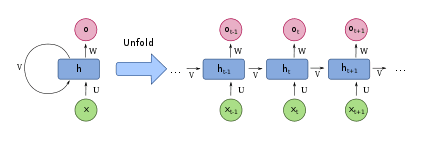
图片放大已全局引用,正常使用图片md即可
Steps
import { Step, Steps } from 'fumadocs-ui/components/steps';

<Steps>
<Step>

### Read the docs

</Step>

<Step>

### Make sure you had read the docs

</Step>
</Steps>Tabs
import { Tab, Tabs } from 'fumadocs-ui/components/tabs';

<Tabs items={['Javascript', 'Rust']}>
  <Tab value="Javascript">Javascript is weird</Tab>
  <Tab value="Rust">Rust is fast</Tab>
</Tabs>
Javascript is weird
Rust is fast
高级组件
卡片
import { CardContainer } from '../../components-docs/card/card-container.tsx'
import { Card } from '../../components-docs/card/card.tsx'
import { PanelBottomDashed } from "lucide-react";

<CardContainer>
<Card image="color-1.png" icon={PanelBottomDashed} iconColor='text-red-500' title="关于 RWKV" description="了解 RWKV 的主要版本、模型和论文发布情况" link="/RWKV-Wiki/Introduction" />
<Card image="color-2.png" icon={PanelBottomDashed} iconColor='text-blue-500' title="关于 RWKV" description="了解 RWKV 的主要版本、模型和论文发布情况" link="/RWKV-Wiki/Introduction" />
<Card image="color-3.png" icon={PanelBottomDashed} iconColor='text-green-500' title="关于 RWKV" description="了解 RWKV 的主要版本、模型和论文发布情况" link="/RWKV-Wiki/Introduction" />
<Card image="color-4.png" icon={PanelBottomDashed} iconColor='text-yellow-500' title="关于 RWKV" description="了解 RWKV 的主要版本、模型和论文发布情况 的主要版本、模型和论文发布情况的主要版本、模型和论文发布情况" link="/RWKV-Wiki/Introduction" />
</CardContainer>
关于 RWKV
了解 RWKV 的主要版本、模型和论文发布情况

关于 RWKV
了解 RWKV 的主要版本、模型和论文发布情况

关于 RWKV
了解 RWKV 的主要版本、模型和论文发布情况

关于 RWKV
了解 RWKV 的主要版本、模型和论文发布情况 的主要版本、模型和论文发布情况的主要版本、模型和论文发布情况
提示框
import { CallOut } from '../../components-docs/call-out/call-out.tsx'

<CallOut type="info" >
this is a info callout

support markdown
</CallOut>
<CallOut type="warning" >
this is a warning callout

同样**支持 markdown**

字体为 15px
</CallOut>
<CallOut type="alert" >
this is a alert callout
</CallOut>
<CallOut type="error" >
this is a error callout
</CallOut>
this is a tips callout
support markdown
this is a info callout
support markdown
this is a warning callout
同样支持 markdown
字体为 15px
this is a alert callout
this is a error callout
内容嵌套
import { CallOut } from '../../components-docs/call-out/call-out.tsx'
<CallOut type="info" >
**微调是什么?**
[this is a info callout](#)(Dimension-Sharding Adaptation)是一种新颖的参数高效微调方法(PEFT - Parameter-Efhcient Fine-Tuning),旨在进一步降低可训练参数数量,同时加速收敛。

</CallOut>微调是什么?
this is a info callout(Dimension-Sharding Adaptation)是一种新颖的参数高效微调方法(PEFT - Parameter-Efhcient Fine-Tuning),旨在进一步降低可训练参数数量,同时加速收敛。
Tabs
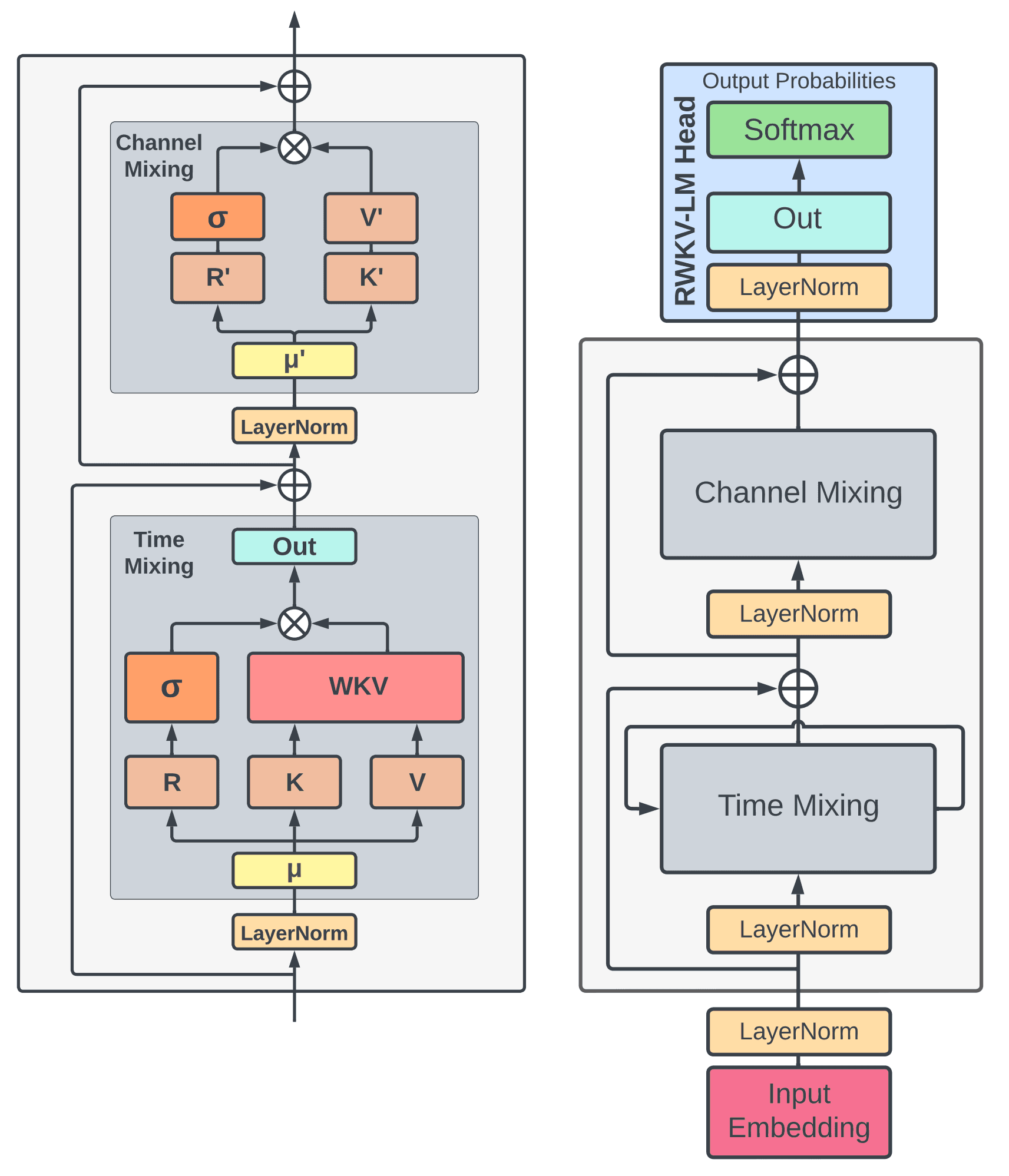
高级tabs,你可以在 TabsContentCN 中嵌套任何组件,例如 CallOut 和 image:
import { TabsCN, TabsContentCN, TabsListCN, TabsTriggerCN } from "../../components-docs/tabs/tabs.tsx"
<TabsCN defaultValue="rwkv-4" className="">
<TabsListCN>
<TabsTriggerCN value="rwkv-4">RWKV-4</TabsTriggerCN>
<TabsTriggerCN value="rwkv-3">RWKV-3</TabsTriggerCN>
</TabsListCN>
<TabsContentCN value="rwkv-4" >
### RWKV-4
- fast
- efficient
- scalable
</TabsContentCN>
<TabsContentCN value="rwkv-3" >
You can import any thing inside this `TabsContentCN`
like `callout`:
<CallOut type="info" >
this is a info callout
</CallOut>
or images:

</TabsContentCN>
</TabsCN>- fast
- efficient
- scalable
Link Card
import { LinkCard, LinkCardContainer } from '../../components-docs/link-card/link-card.tsx'

<LinkCardContainer>
  <LinkCard content="RWKV-4 模型 很长 很长的标题 很长 很长的 标题" link="/RWKV-Wiki/Introduction" />
  <LinkCard content="RWKV-4 模型" link="/RWKV-Wiki/Introduction" />
  <LinkCard content="RWKV-4 模型" link="/RWKV-Wiki/Introduction" />
  <LinkCard content="RWKV-4 模型" link="/RWKV-Wiki/Introduction" />
</LinkCardContainer>这份文档对您有帮助吗?
 粤公网安备44030002010697号